Content Module
Install on Wordpress
In the classic editor, make sure you are on the "CODE" tab and not the Visual Editor.
The newer installations of Word Press, use the Custom HTML Block. You will need a plug-in enabled plan.
Some notes from WordPress
JavaScript
JavaScript brings interactivity and dynamic elements to web pages. JavaScript is used to create engaging features like interactive forms, animations, and responsive design.
JavaScript codes typically begin with a <script>
tag and may be used on sites with a plugin-enabled plan.(opens in a new tab)
You can insert JavaScript code using a Custom HTML block or another method from the following section that describes how to insert code.
JavaScript from trusted partners, such as YouTube and Google Maps, can be converted to a supported embed or shortcode on any plan.
How to insert code
With the limitations described above, you can add code to your site using the most appropriate method for your goals. The following methods can work for inserting most code, including iframes and JavaScript:
- Embed code onto a page or post using the Custom HTML block.
Different Plug-Ins
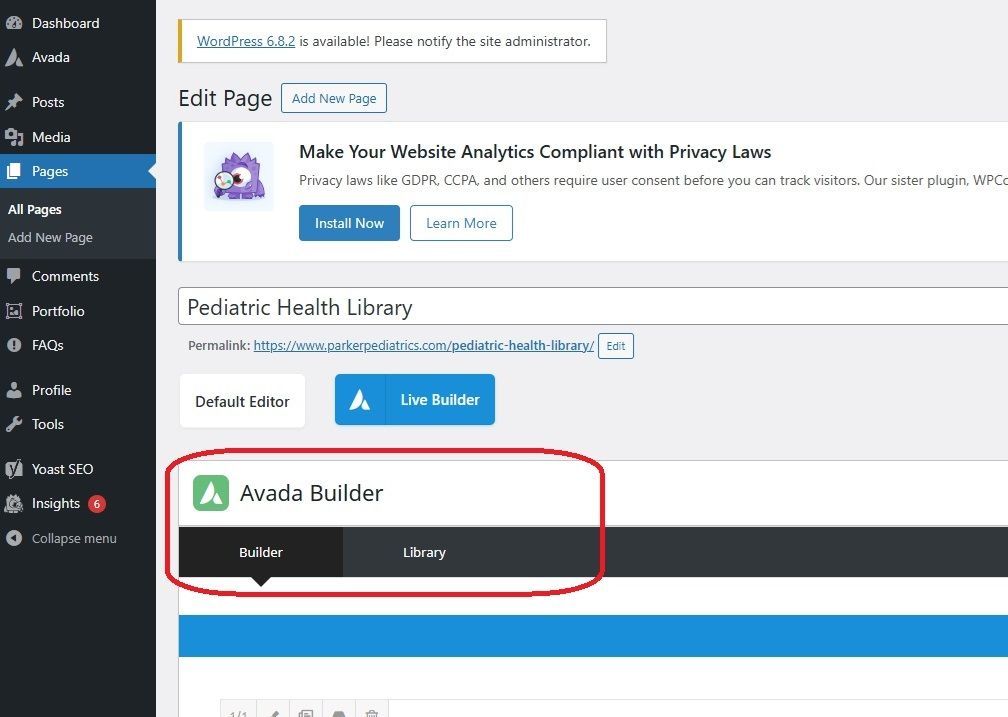
Avada Builder
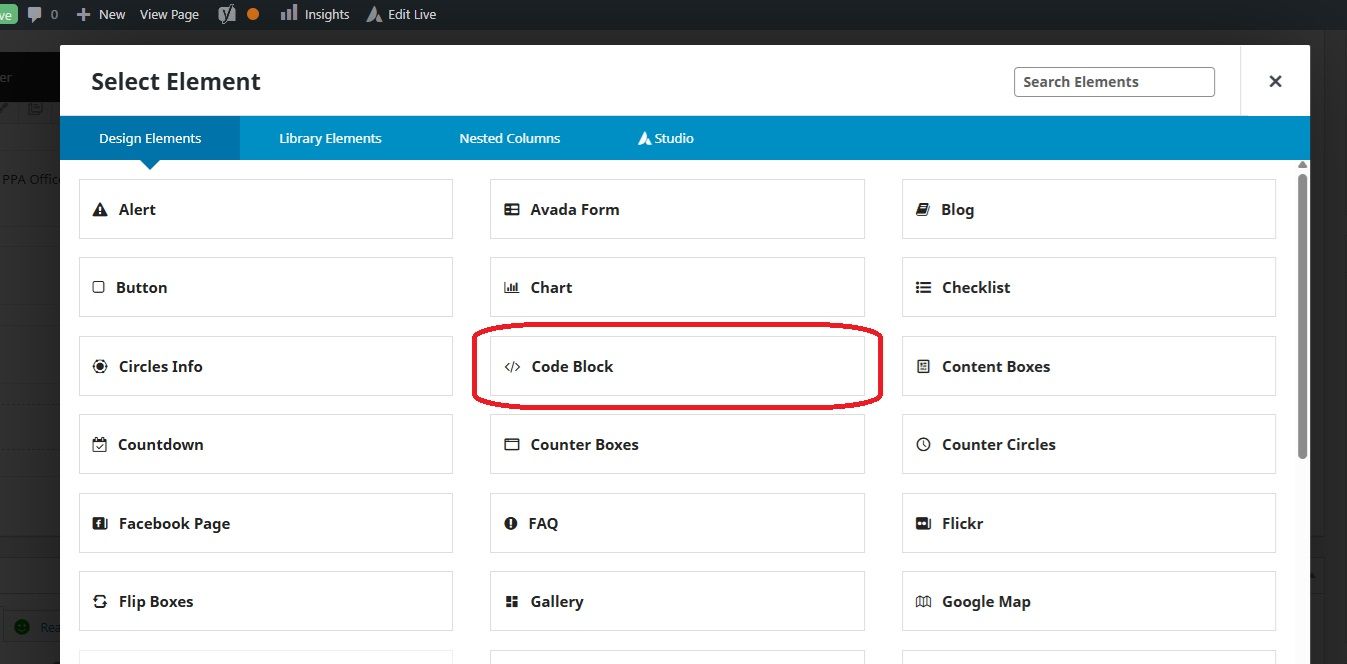
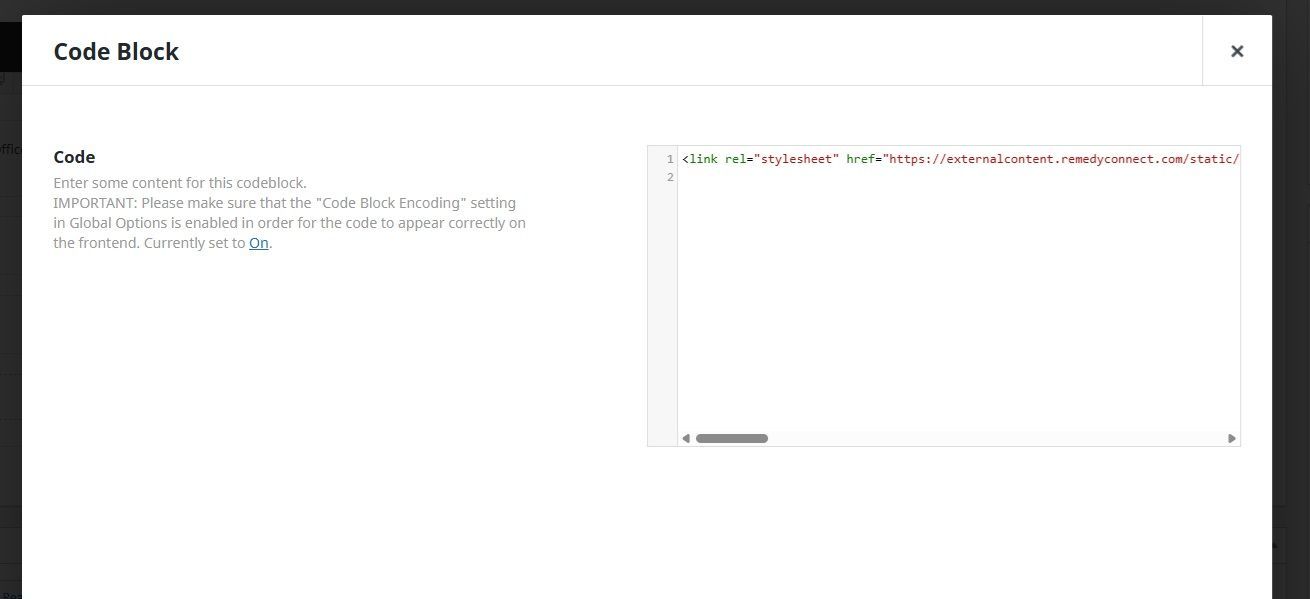
With the Avada Builder, you must use the "Code Block" element.